PatternsIn tools
Tool shell
One quiet control rail on the left, the work on the right, a floating dock at the bottom. The anatomy every heyrav tool shares.
Used onheyrav tools
Line Field
48
How many ribbons cross the mark.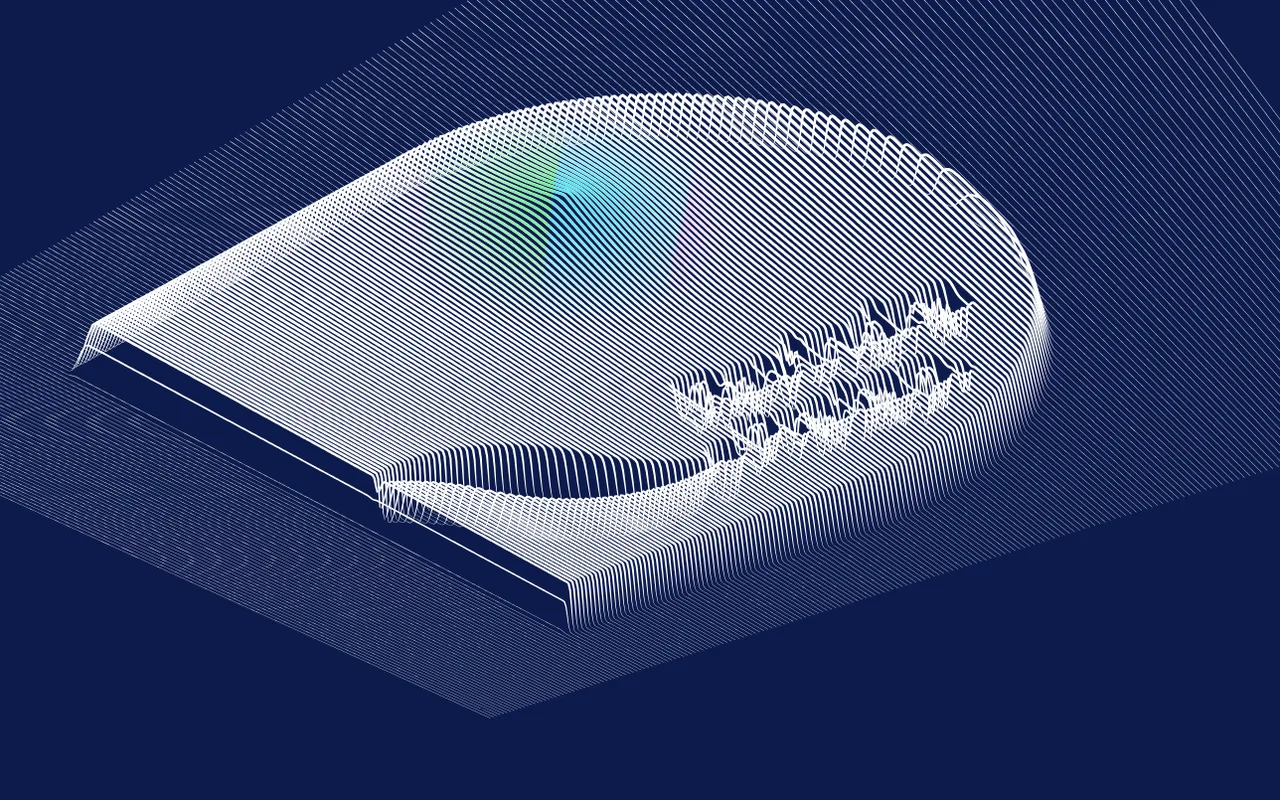
Show code
<div class="d-tool">
  <div class="d-tool-rail">
    <div class="label">Line Field</div>
    <div class="chips" data-single><button class="chip" aria-pressed="true">Calm</button><button class="chip" aria-pressed="false">Dense</button></div>
    <div class="field"><div class="row-top"><label for="ts-1">Lines</label><span class="val">48</span></div><input class="rng" id="ts-1" type="range" min="8" max="120" value="48"><span class="help">How many ribbons cross the mark.</span></div>
    <label class="tgl">Perspective <input type="checkbox" checked><span class="sw"></span></label>
    <div class="seg" role="group" aria-label="Size"><button aria-pressed="true">16:10</button><button aria-pressed="false">1:1</button></div>
  </div>
  <div class="d-tool-stage"><img src="../assets/img/lines.webp" alt="Line Field output" loading="lazy">
    <div class="d-dock"><button class="btn btn-quiet btn-sm">Undo <span class="kbd">Z</span></button><button class="btn btn-quiet btn-sm">Random <span class="kbd">R</span></button><button class="btn btn-primary btn-sm"><svg class="icon" viewBox="0 0 256 256" aria-hidden="true"><path d="…"/></svg> Export</button></div>
  </div>
</div>- Presets as chips, lowercase labels, the value on the right in mono, one grey help line under every control, collapsible groups.
- State lives in the URL hash (only the diff from defaults), with undo/redo on Z / Shift+Z.
- The dock is the only floating surface, so it is the only one with
--shadow-pop.